

Cancelling a subscription with Cove
Ask Cove to cancel an unwanted subscription for you instead of digging through provider websites.
CWritten by the Cove Team · Updated June 2026
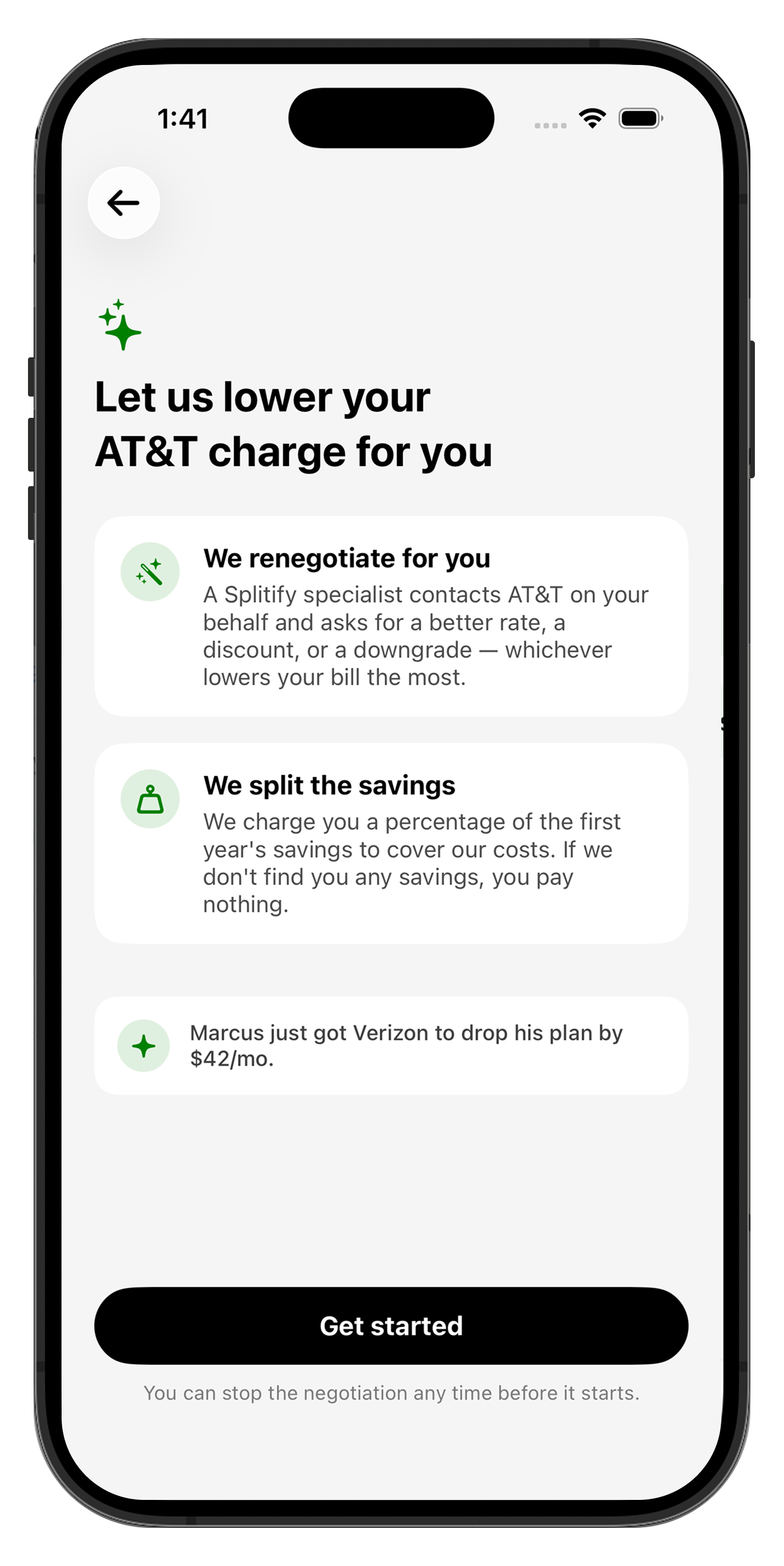
When you find a subscription you don't want, Cove can handle the cancellation for you rather than making you hunt down the provider's flow.
Request a cancellation
- 1Open the subscription and choose Cancel.
- 2Confirm a few details.
- 3Cove works to cancel it and keeps you posted on the status.
Cancellation handling is a Premium feature, and you always confirm before Cove acts.
Still need a hand?
Get Cove and see it work on your own money, or reach our team any time.