

Exclusive to Cove Premium · iOS
Your finances,right on your home screen.
No app to open, no login to remember. Cove Premium's iOS widgets put your spending, budget, recurring charges, and portfolio exactly where you already look — right next to your other apps.
- Updates automatically
- No app to open
- Exclusive to Premium
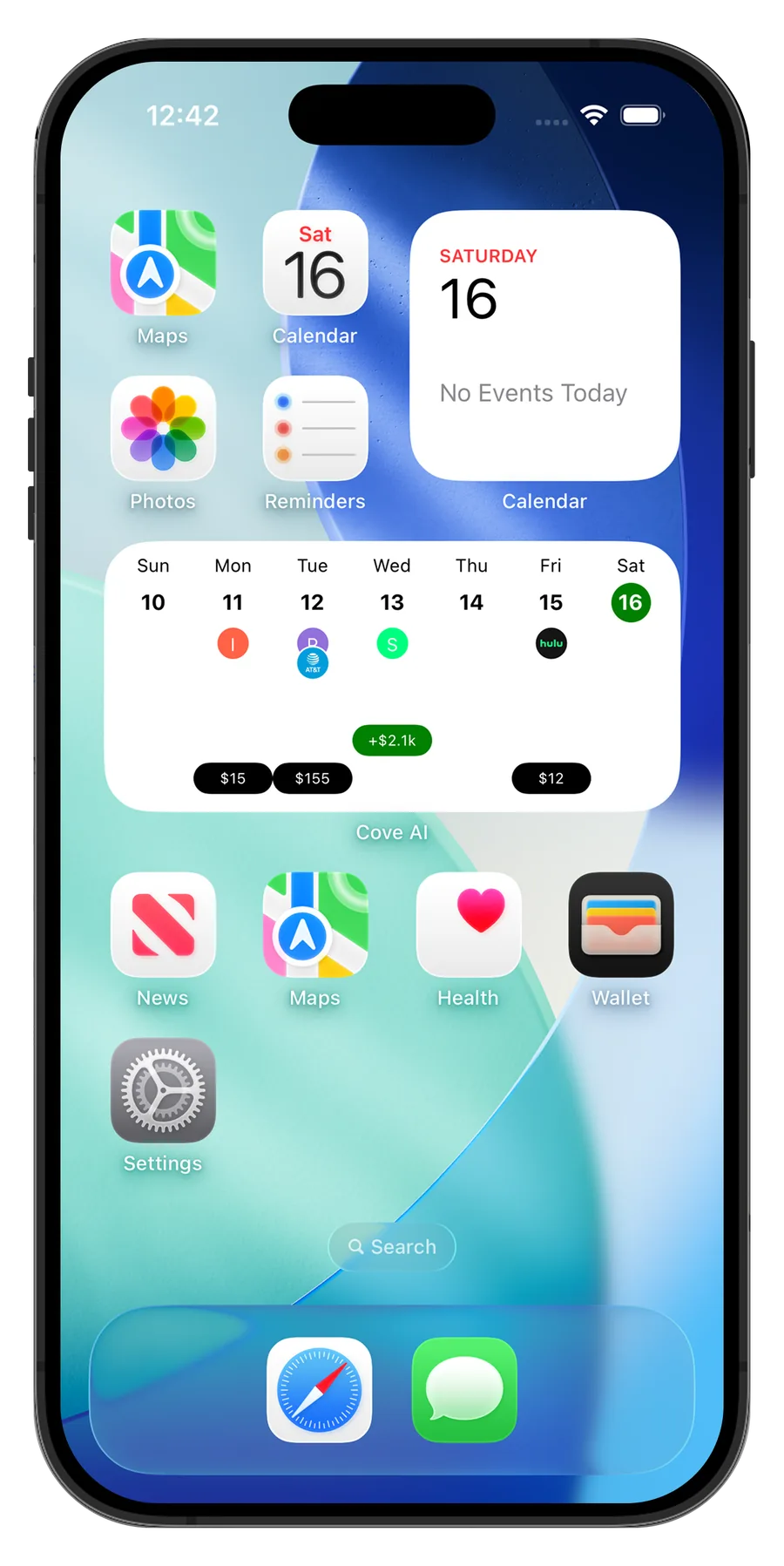
One home screen.Every number that matters.
Mix and match the widgets that fit your life — spending, budget, recurring charges, even your portfolio — in every iOS size.
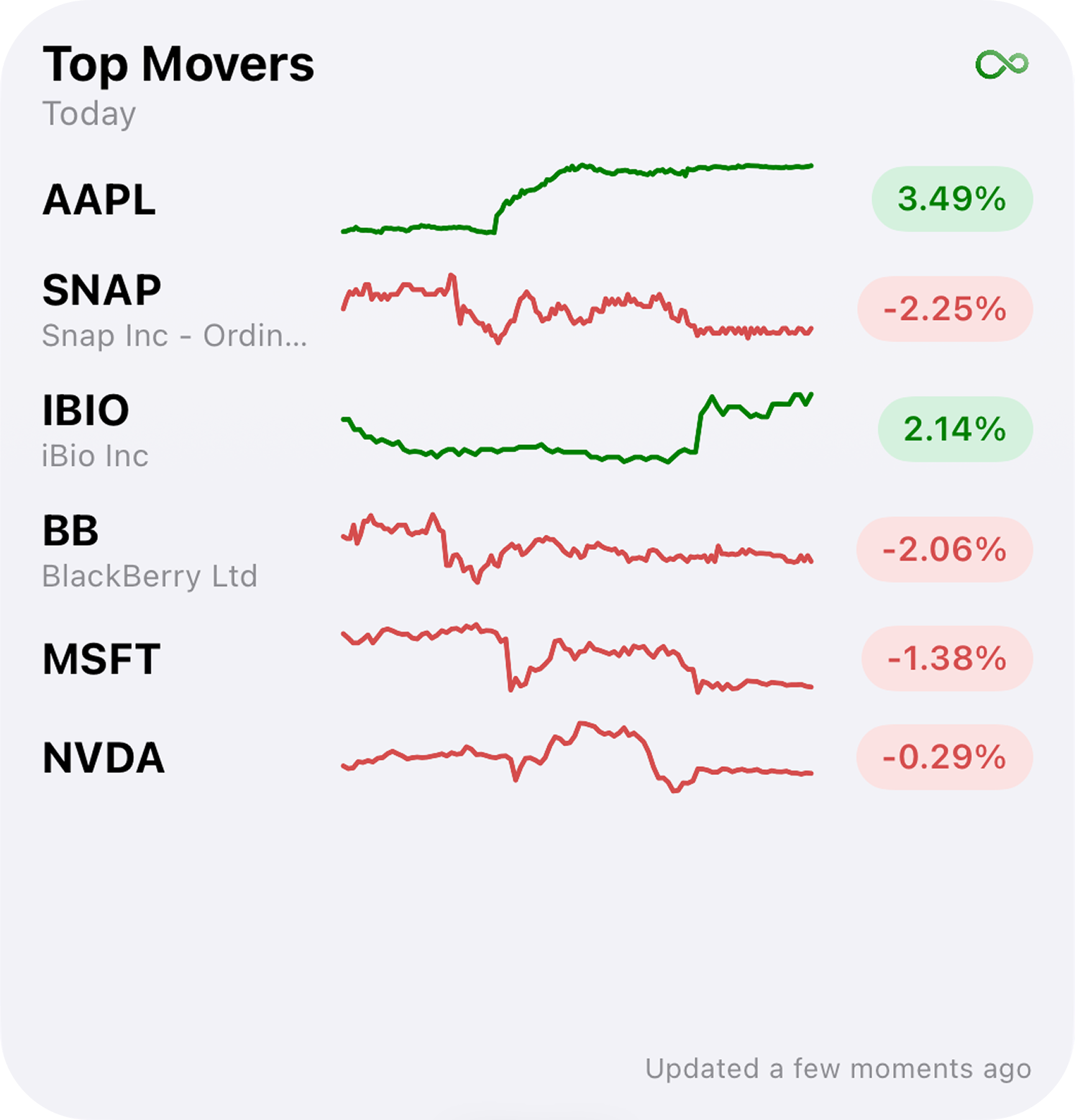
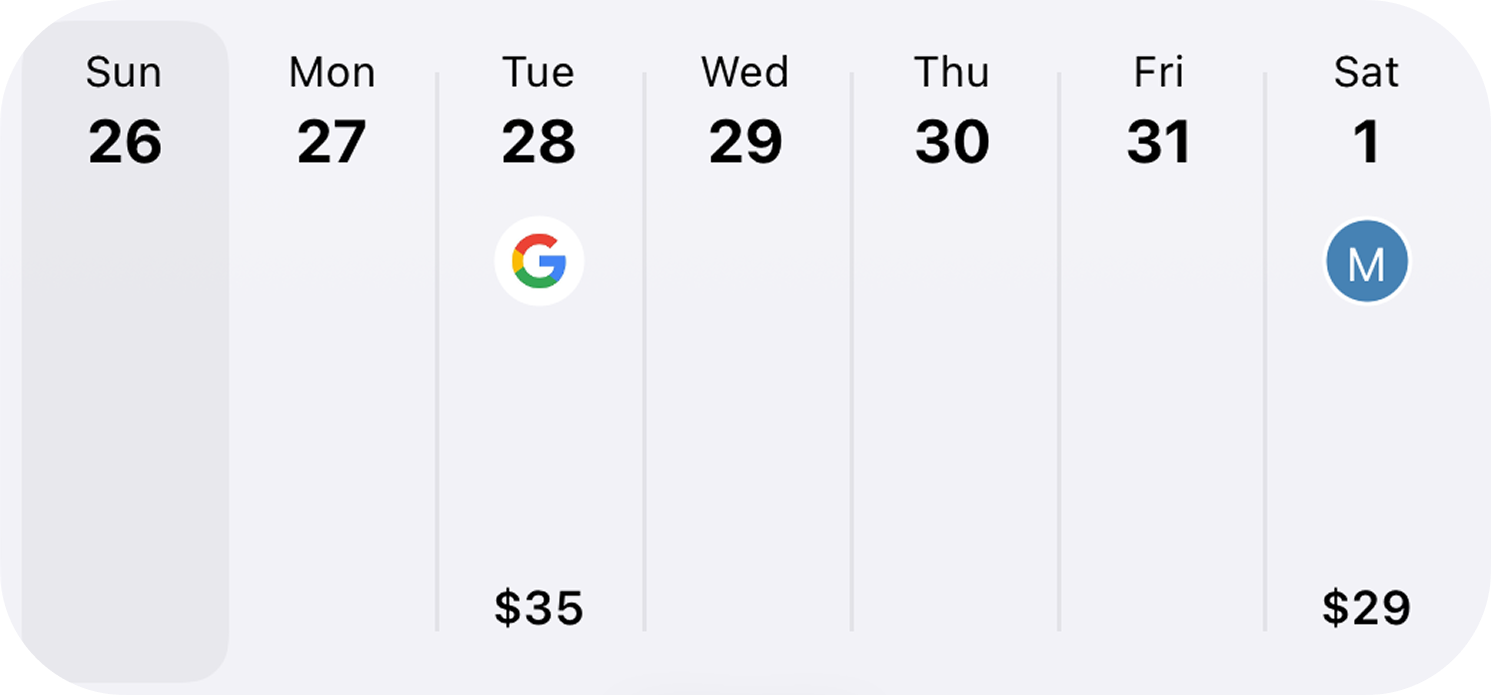
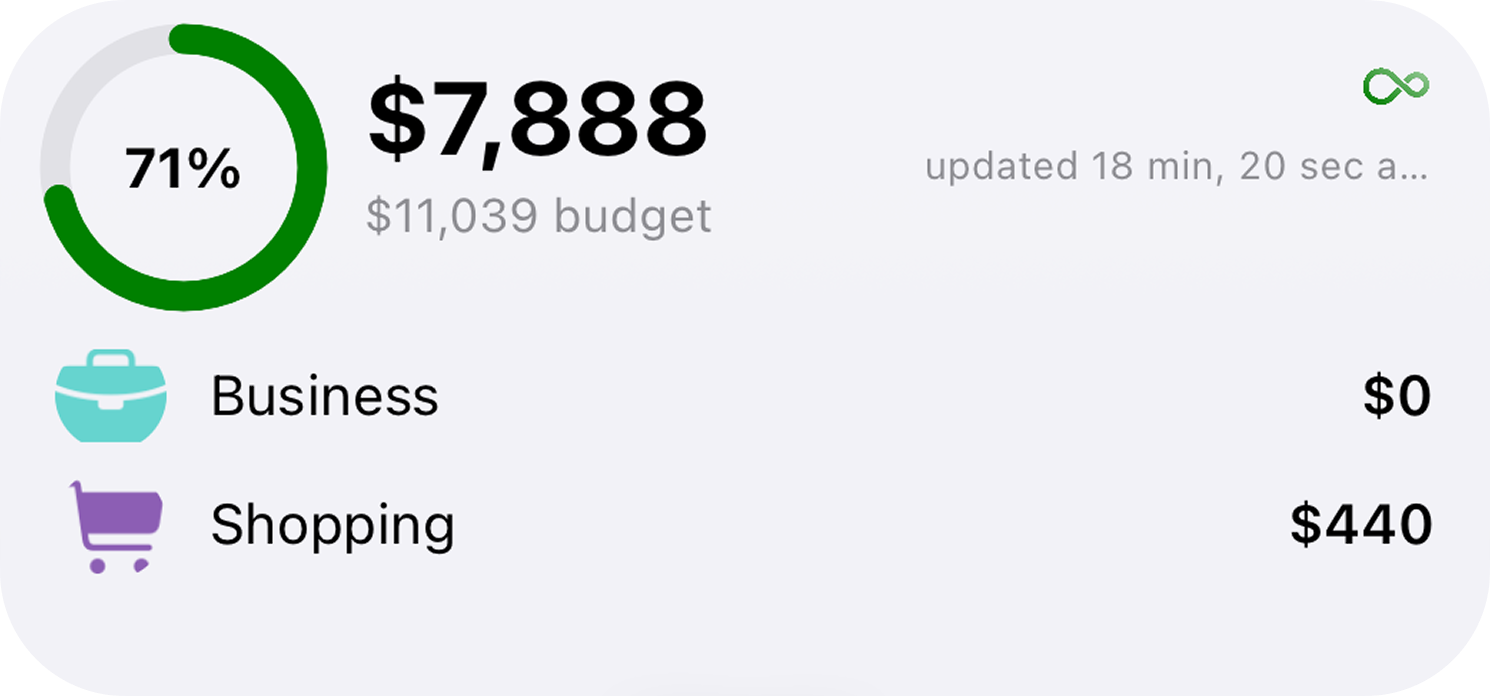
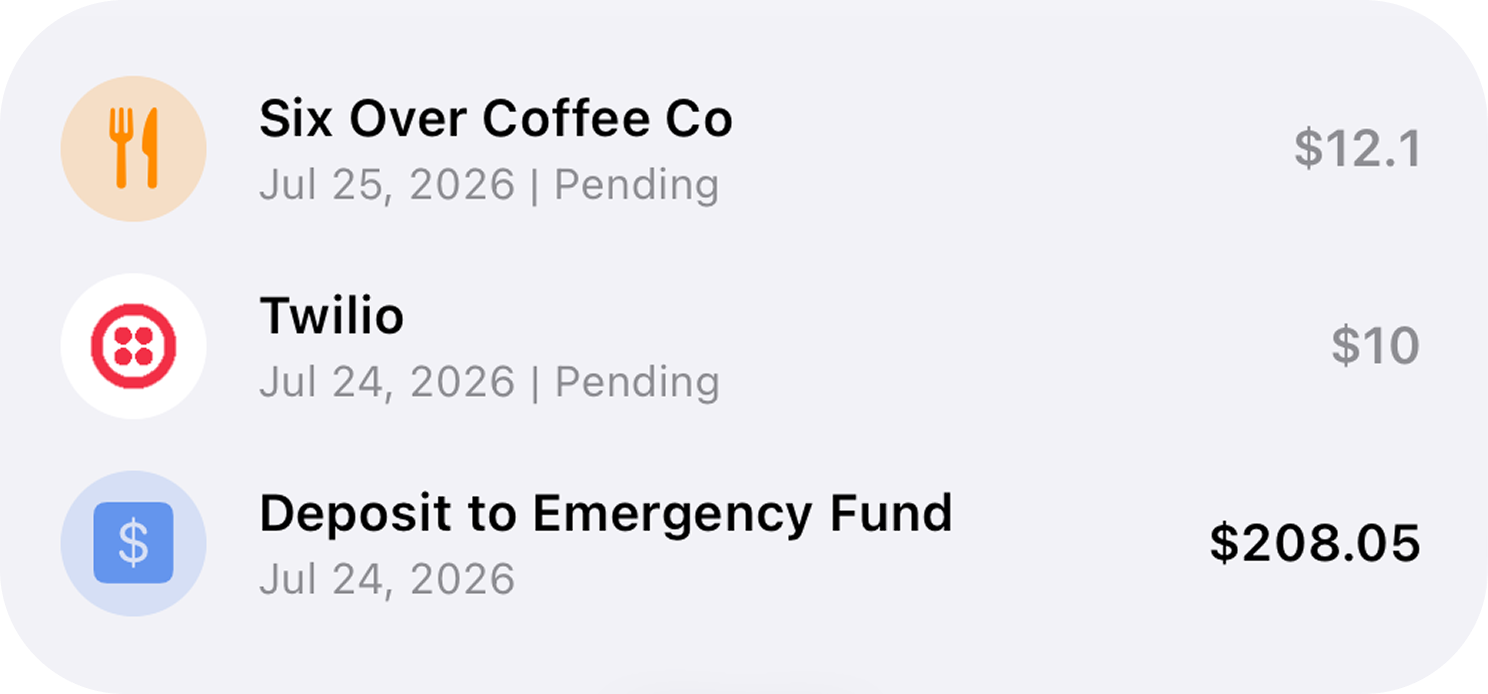
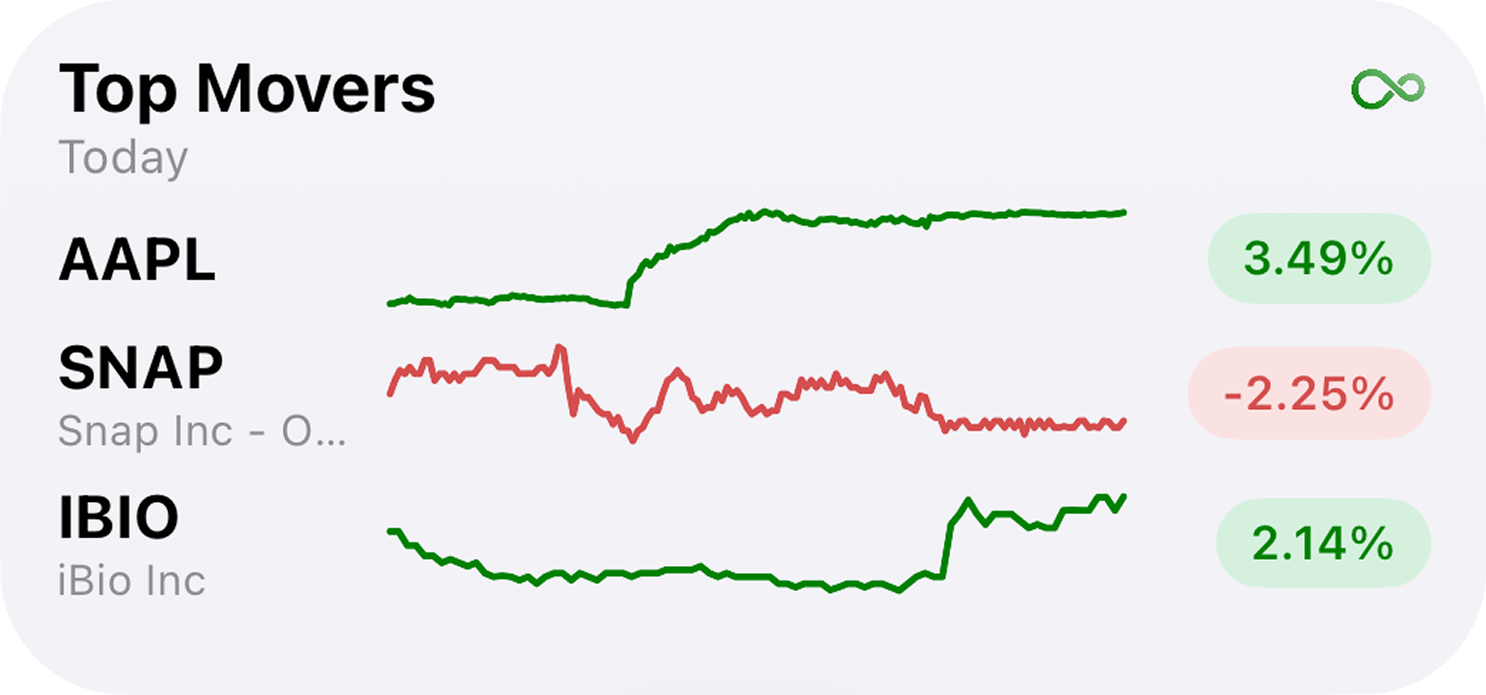
iOS widgets
Four taps to your new home screen.
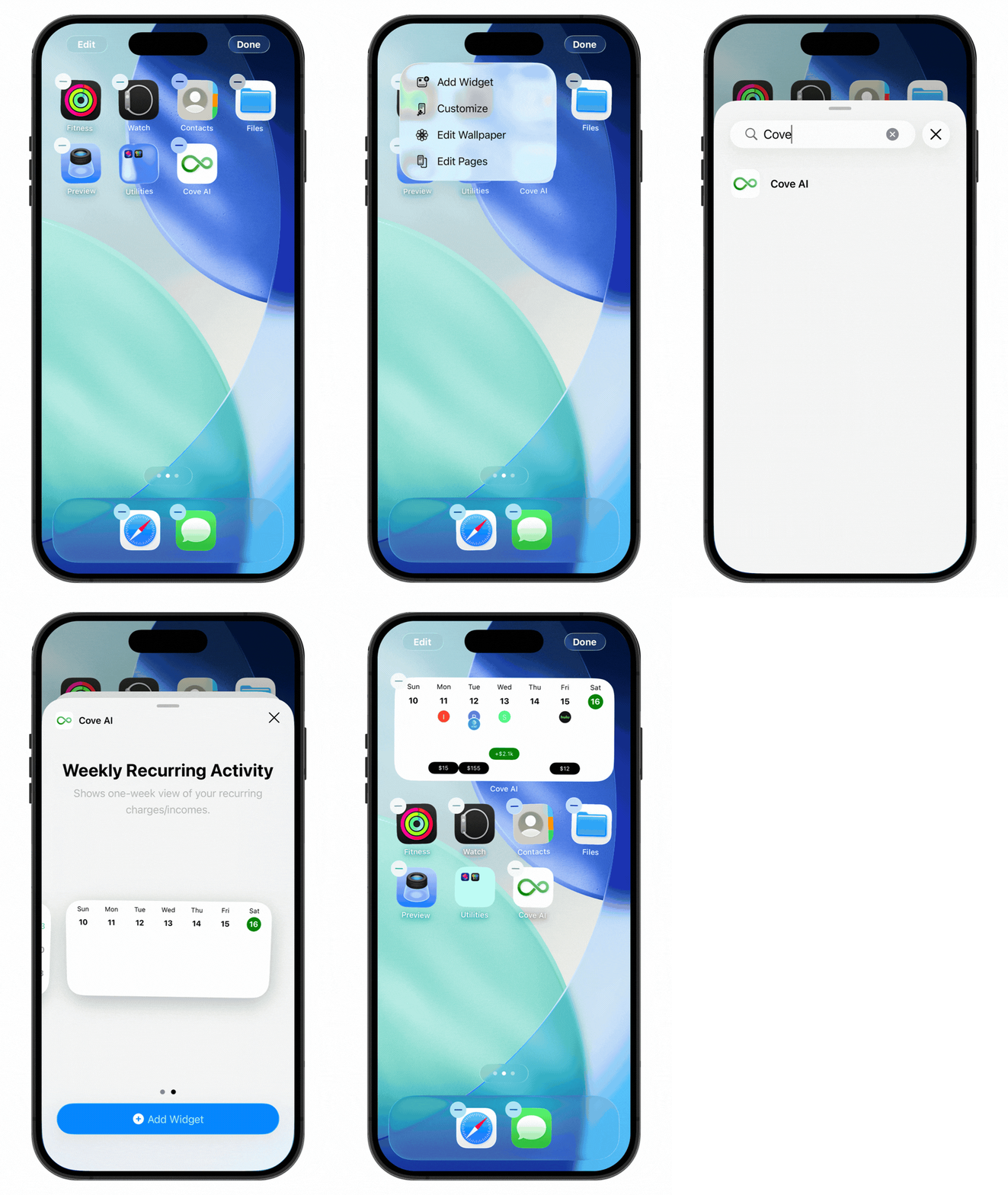
- 1
Jiggle mode
Tap and hold any empty area on your home screen until the app icons start jiggling.
- 2
Access widgets
Tap the Edit or + button in the upper corner to open the widget gallery.
- 3
Search Cove
Use the search bar to find the Cove widget.
- 4
Add the widget
Tap the widget you like, then choose your preferred size and placement.
Put your finances where you'll actually see them.
Download Cove, upgrade to Premium, and add your first widget in under a minute.
Widgets are exclusive to Cove Premium on iOS